10 Best Free Vertical Video Apps
· By VertyTV Editorial
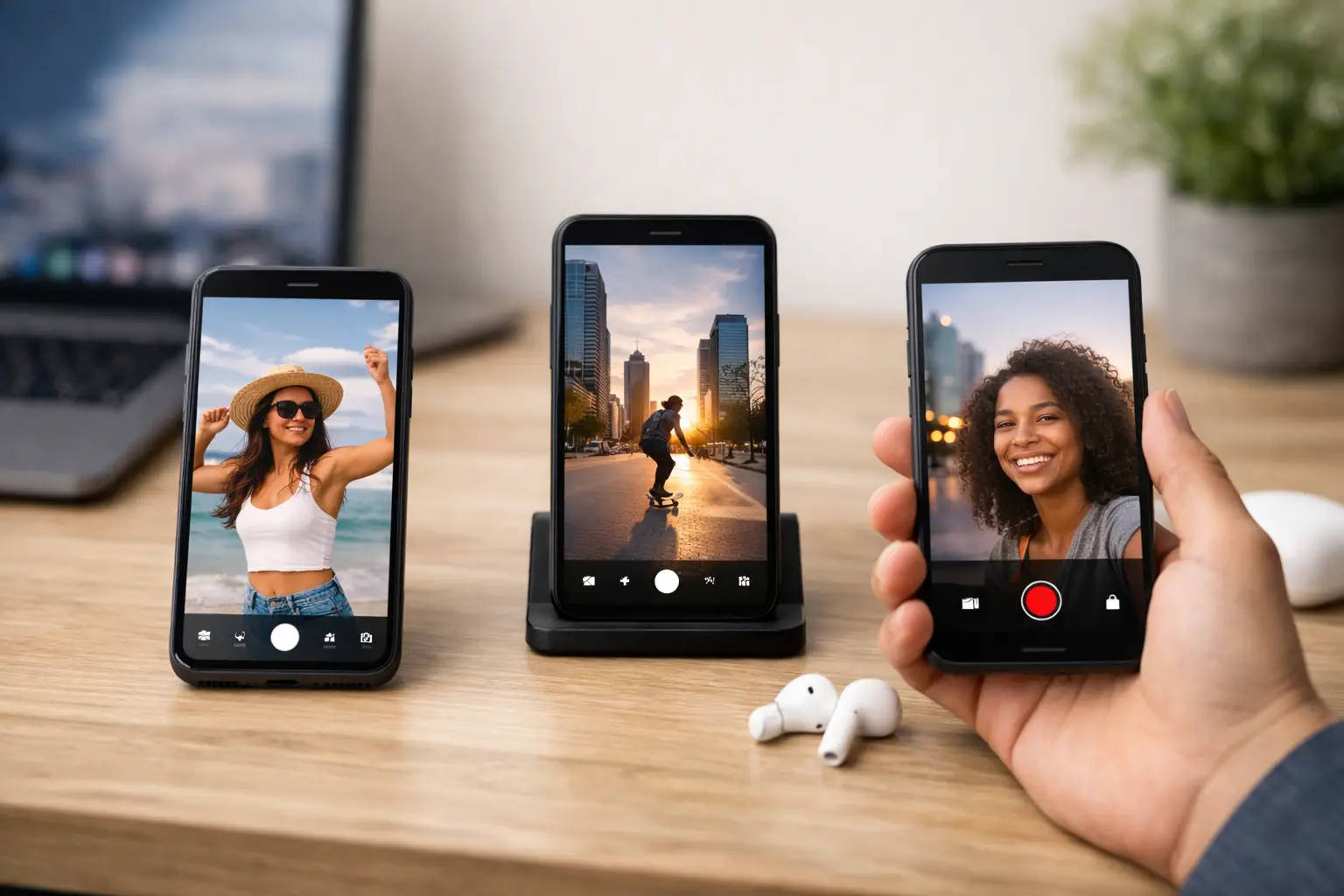
Your phone is already the screen that matters. The question is which apps actually respect that.
The best free vertical video apps do two things well: they make mobile video feel native, and they remove friction. No bloated workflow. No desktop detour. No feature maze just to crop a clip for 9:16. If you shoot, edit, post, or stream on your phone, the right app should get out of the way and let the format work.
What makes the best free vertical video apps worth using
Vertical video is not just horizontal video turned sideways. It has different pacing, different framing, and different expectations. Faces sit closer. Text has to hit faster. Dead space shows up immediately. That means the app matters more than people think.
The best options are built around speed and mobile behavior. You want easy 9:16 project setup, smart caption tools, fast trimming, music and sound controls, and exports that do not look wrecked after upload. If an app says it supports vertical video but still feels like a desktop editor shrunk onto a phone, that is a bad sign.
Free matters too, but free has trade-offs. Some apps limit export quality. Some push templates hard. Some add watermarks unless you use specific tools inside the app. Others are free because they want you publishing into their ecosystem. That does not automatically make them bad. It just means you should pick based on your actual goal.
10 best free vertical video apps right now
1. CapCut
CapCut is still the default answer for a reason. It is fast, surprisingly deep, and built for short-form creators who need speed more than ceremony. Auto-captions are solid, templates are everywhere, and the 9:16 workflow feels natural from the first tap.
The catch is that CapCut can start to feel trend-led. If you rely too much on templates, your videos can end up looking like everybody else’s. Great for momentum. Less great if you are trying to build a distinct visual identity.
2. InShot
InShot has been around long enough to earn trust. It is simpler than CapCut, which is exactly why some people prefer it. Trim, resize, add text, layer music, clean up the frame, export, done.
It is especially useful for creators who want control without a learning curve. The downside is that advanced effects and motion tools are lighter here. If you want heavy editing tricks, you may outgrow it.
3. VN Video Editor
VN hits a sweet spot between beginner-friendly and genuinely capable. It gives you multi-layer editing, keyframes, speed ramps, and cleaner timeline control than many free apps. For creators making vertical episodes, mini trailers, or stylized social cuts, that flexibility matters.
Its interface can feel a little more technical than InShot. Not hard, just less instant. If you like precision, that is a plus. If you want one-tap editing, maybe not.
4. Adobe Express
Adobe Express works well for creators who care about branding. If your vertical videos need consistent fonts, reusable layouts, and polished text overlays, this app pulls its weight. It is a smart pick for promos, explainers, and platform-safe social edits.
The trade-off is energy. Express is clean, but it can feel more design-first than creator-first. That is perfect for some workflows and a little stiff for others.
5. Canva
Canva is not just for static posts anymore. For vertical video, it is useful when your content is text-led, promo-led, or built around simple motion graphics. Event promos, teaser clips, countdowns, and branded snippets are easy here.
Where it falls short is raw editing feel. Canva is strong for assembly and presentation. It is weaker when you need frame-accurate editing or more dynamic video pacing.
6. Splice
Splice is clean and focused. It handles cutting, music timing, text, and transitions without making the process feel cluttered. If you shoot lifestyle content, travel clips, or punchy vertical montages, Splice gets you from camera roll to finished export quickly.
Its free version may not cover everything ambitious editors want. Still, for everyday mobile editing, it stays in the conversation because it keeps things moving.
7. YouCut
YouCut is underrated. It is light, straightforward, and solid for quick edits when you do not need cinematic extras. Vertical resizing, trimming, filters, and simple transitions are all easy to handle.
This is not the app for creators chasing complex effects stacks. It is the app for getting decent video out fast, especially on lower-powered phones.
8. Instagram Edits
If your world revolves around Reels, Instagram’s own editing tools deserve a look. Native platform alignment matters. What works inside the app often maps cleanly to what performs there, especially with audio, timing, and visual pacing.
The obvious limitation is platform gravity. Tools tied closely to one ecosystem are convenient until you want to repurpose content widely. Great for posting fast. Less ideal for a broader content machine.
9. TikTok Editor
TikTok’s built-in editing is stronger than a lot of people admit. For trend-responsive content, it can be the fastest route from idea to upload. Sounds, timing, text behavior, and editing conventions all feel native because they are native.
But built-in editors have a short leash. They are excellent when the goal is immediate publishing inside that platform. They are less useful when you want reusable assets or cleaner cross-platform control.
10. VertyTV
Not every vertical video app needs to be an editor. Some are about what happens after the edit - the actual viewing experience. That is where a platform like VertyTV stands out. It is built around vertical-first entertainment, not as a side feature, but as the whole point. Free access, no subscription, no credit card, and mobile-native short-form viewing that does not pretend your phone is a tiny TV.
If your interest is less about making vertical video and more about watching what the format can do when it is treated seriously, that difference matters.
Best free vertical video apps by use case
If you want the fastest all-around editor, CapCut is hard to beat. If you want simple control without clutter, InShot and YouCut make more sense. If you want more timeline precision, VN is stronger. If your work is promo-heavy or brand-led, Adobe Express and Canva fit better.
That is the real answer for most people. There is no single winner, only the best fit for the kind of vertical video you actually make.
How to choose the right app without wasting a week
Start with the bottleneck, not the hype. Are you slow at editing? Bad at captions? Frustrated by ugly exports? Spending too much time resizing for different platforms? The right app should fix the one thing that keeps killing momentum.
Also, be honest about your content style. If you post face-to-camera clips, caption quality and text placement matter more than advanced transitions. If you make cinematic cuts, timeline control matters more than templates. If you mainly publish inside one platform, built-in tools may be enough.
One more thing: test export quality before you commit. A free app can look great in preview and fall apart after upload compression. Run a real post, not just a practice file.
The hidden trade-offs in free vertical video apps
Free is great. Free is also never magic.
Some apps pay for themselves by nudging you toward premium features. Others want your content posted inside their ecosystem. Others make the workflow easy but limit originality through trend-heavy templates. None of this is automatically a dealbreaker. It just means convenience always comes with a shape.
That matters more in vertical video because sameness spreads fast. If your app pushes the same captions, transitions, and pacing as everyone else, your video can feel disposable before anyone even finishes the first five seconds.
The smart move is to use free tools for speed, then build your own rhythm on top. Same app. Different taste.
Why vertical-first apps keep winning
People do not pull out their phones hoping for friction. They want instant motion, fast context, and something worth watching now. Vertical-first apps understand that. They cut steps. They prioritize speed. They frame for the screen people already use.
That is why this category keeps getting stronger. Not because vertical video is a trend, but because mobile-native viewing is now the baseline. The best apps are not forcing old workflows into a new shape. They are built for the shape from the start.
Pick one app that matches your pace, one that matches your style, and give it a real week of use. The best tool is the one that keeps you posting, watching, and improving without turning every clip into homework.